
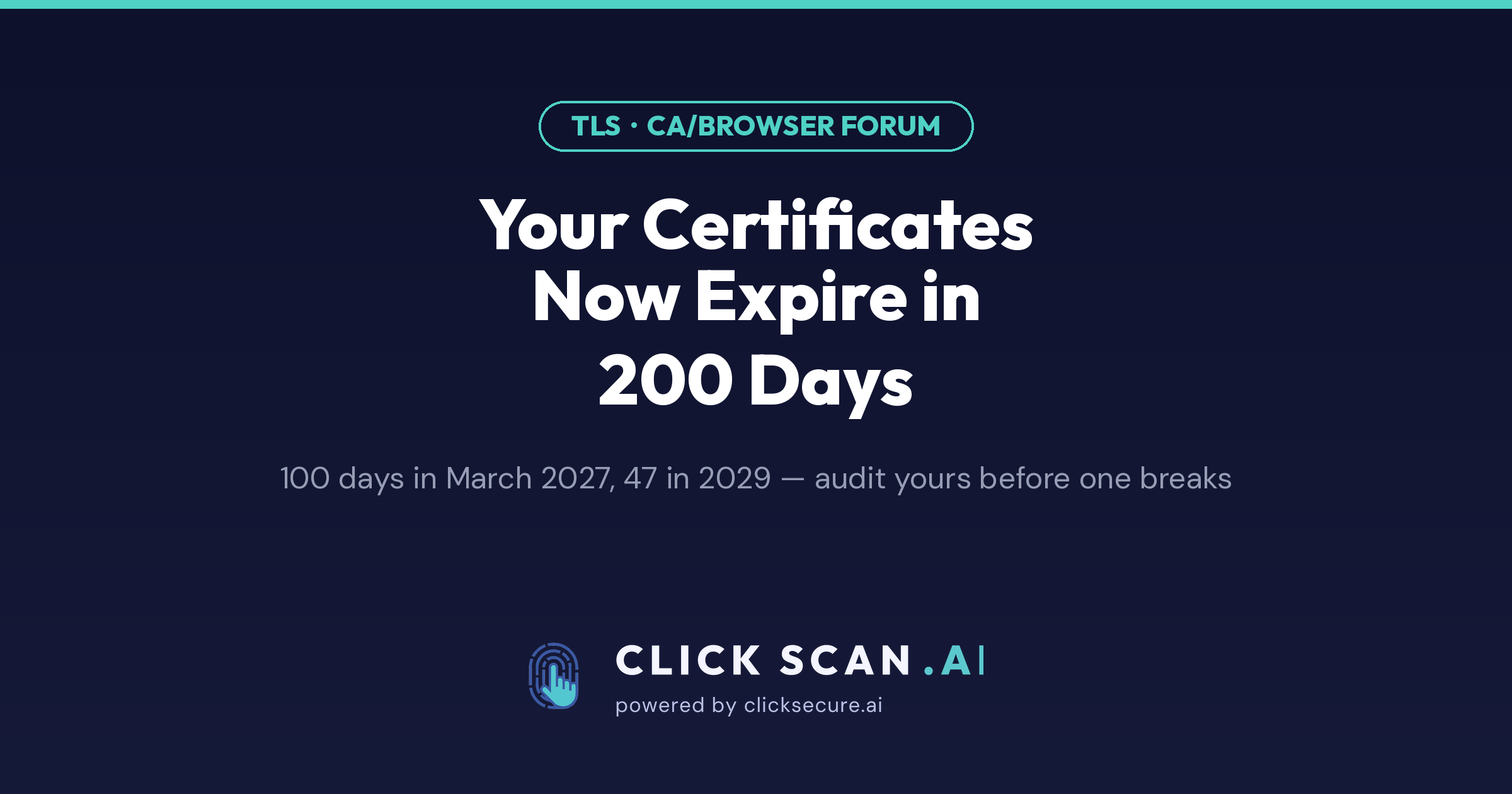
On 15 March 2026, the maximum lifetime of a publicly trusted TLS certificate dropped from 398 days to 200 days. If you have not renewed a certificate since then, you have already been issued a shorter one — you may simply not have noticed yet, because the consequence arrives later, on a date nobody has in a calendar.
This is not a one-off adjustment. It is the first step of a schedule that the CA/Browser Forum approved in April 2025 as Ballot SC-081v3, proposed by Apple and sponsored by Sectigo. The vote was 29 in favour, none against, with Apple, Google, Mozilla and Microsoft all supporting it. The full schedule is short and worth memorising:
- From 15 March 2026: maximum certificate lifetime 200 days, domain control validation (DCV) reuse 200 days.
- From 15 March 2027: maximum lifetime 100 days, DCV reuse 100 days.
- From 15 March 2029: maximum lifetime 47 days, DCV reuse 10 days.
Some certificate authorities issue slightly below the cap to leave a safety margin — DigiCert, for example, moved to 199-day validity rather than sitting exactly on the limit. So in practice you may see 199 rather than 200.
Why the browsers did this
Two reasons, and neither is about making your life harder.
The first is exposure time. A certificate is a statement that a particular key belongs to a particular domain. If the key is stolen, or the certificate was mis-issued, or the domain changed hands, that statement stays true to a browser until the certificate expires. Revocation exists, but revocation checking is inconsistent and frequently soft-fails, which means expiry is the only mechanism that reliably works. Cutting the lifetime from 398 days to 47 cuts the worst-case window an attacker holds a valid certificate for your domain by roughly 88%.
The second is stale validation data. Domain control validation proves you controlled the domain at the moment of validation. Reusing that proof for 398 days means a certificate can be issued today on the strength of a check performed more than a year ago — after the domain expired, was dropped and was re-registered by somebody else. The 10-day DCV reuse period arriving in 2029 effectively means proving control almost every time.
The unstated third reason is that the browsers want to force automation. At 398 days, renewal is an annual calendar entry a human can survive. At 47 days you would renew roughly eight times a year per certificate. Nobody does that by hand across an estate of any size.
The certificates you will forget
The main website is not the problem. Somebody notices within minutes when the homepage throws a certificate warning, and it is almost always on a platform with automated renewal already.
The outages come from everything else. In rough order of how often we see them missed:
Mail servers. SMTP on 465 and 587, IMAPS on 993, POP3S on 995. A mail certificate expiring does not produce a browser warning — it produces mail clients that silently stop syncing, or worse, prompt every user to accept an invalid certificate and train them to click through security warnings.
Load balancers, reverse proxies and WAFs. The appliance in front of your web server terminates TLS, which means it holds a certificate that is often managed separately from the application behind it, by a different team, with a different renewal process.
API endpoints and machine-to-machine integrations. No human loads these in a browser. The failure mode is a partner's nightly job failing at 03:00 with a TLS error, discovered days later.
VPN concentrators, management interfaces and admin panels. Frequently issued from an internal CA on a long lifetime, or from a public CA years ago by someone who has since left.
Subdomains you stopped thinking about. The staging environment, the old marketing microsite, the customer portal from the previous product, the thing a contractor stood up in 2023. Each has its own certificate and its own expiry date.
Mobile app pinning. If your app pins a certificate rather than a public key or a CA, shortening lifetimes means the pin breaks more often, and a broken pin bricks the app until users update.
Expiry is not the only thing that breaks
While you are building the inventory, two adjacent failures are worth checking at the same time, because they behave differently from a straightforward expiry.
Incomplete chains. If your server sends the leaf certificate but not the intermediate, most desktop browsers repair it silently using cached intermediates or the AIA extension. Java clients, curl, older Android versions and many API consumers do not. The result is a site that works perfectly in your browser and fails for a third of your integrations — a problem that can sit undetected for months because the person testing always tests in Chrome.
Intermediate certificate expiry. Your leaf certificate can be perfectly valid while the intermediate that signs it is not. This is rarer, and outside your direct control, but it is the reason chain validation belongs in monitoring rather than in a one-time check.
What to actually do
Automate with ACME wherever the endpoint supports it. Let's Encrypt, ZeroSSL and now most commercial CAs speak the ACME protocol. Certbot, acme.sh, Caddy, Traefik and the built-in clients in most cloud load balancers handle issuance and renewal without a human. Where ACME is available, use it — at 47 days there is no realistic alternative.
Use ARI where your client supports it. ACME Renewal Information lets the CA tell your client when to renew, including pulling renewal forward if a certificate needs to be replaced early. It converts renewal from a fixed schedule into something the CA can steer during an incident.
Renew at one-third of remaining lifetime, not at seven days. The old habit of renewing a week before expiry assumed a 398-day certificate. On a 200-day certificate, renew around day 133; on a 47-day certificate, around day 31. The point is to leave enough runway that a failed renewal can fail several times before it becomes an outage.
Monitor expiry as an external check, not from the host. A monitoring agent on the server tells you about the certificate file on disk. It does not tell you what the load balancer in front of it is actually presenting, which is the only thing users see. Check from the outside, against the port that serves traffic.
Publish CAA records. A CAA record in DNS states which certificate authorities are permitted to issue for your domain. It does not shorten anything, but it closes off issuance by a CA you do not use — a cheap control that pairs naturally with an inventory exercise.
Build the inventory before you build the automation. You cannot automate renewal for a certificate you do not know exists. Start from what is publicly reachable: every subdomain that resolves, every port that answers TLS, and the certificate each one presents. Certificate Transparency logs help here too — every publicly trusted certificate issued for your domain is logged, including ones issued by teams who never told you.
The uncomfortable version of this
Between now and March 2027, every organisation with more than a handful of certificates faces the same question: is renewal a process, or is it a person? If it is a person, the schedule above tells you exactly when that arrangement stops working. The 100-day cap in 2027 quadruples an annual task. The 47-day cap in 2029 multiplies it by eight.
Knowing what you own is the part that cannot be automated away, and it is the part most estates get wrong — not because anyone was careless, but because subdomains and appliances accumulate faster than anyone documents them. ClickScan checks certificate expiry and trust chain across your domain, alongside subdomain discovery that finds the hosts nobody remembers standing up. It is the inventory step, run from the outside, the way an attacker or a user would see it.
Sources: CA/Browser Forum, Ballot SC-081v3; BleepingComputer; DigiCert; Sectigo. Dates and caps are as specified in the approved ballot; individual certificate authorities may issue below the cap.