
Anyone can point a scanner at a client domain. The work is turning what comes back into something a client will read, believe, and act on — and doing that for the twelfth client of the month without it becoming a second job.
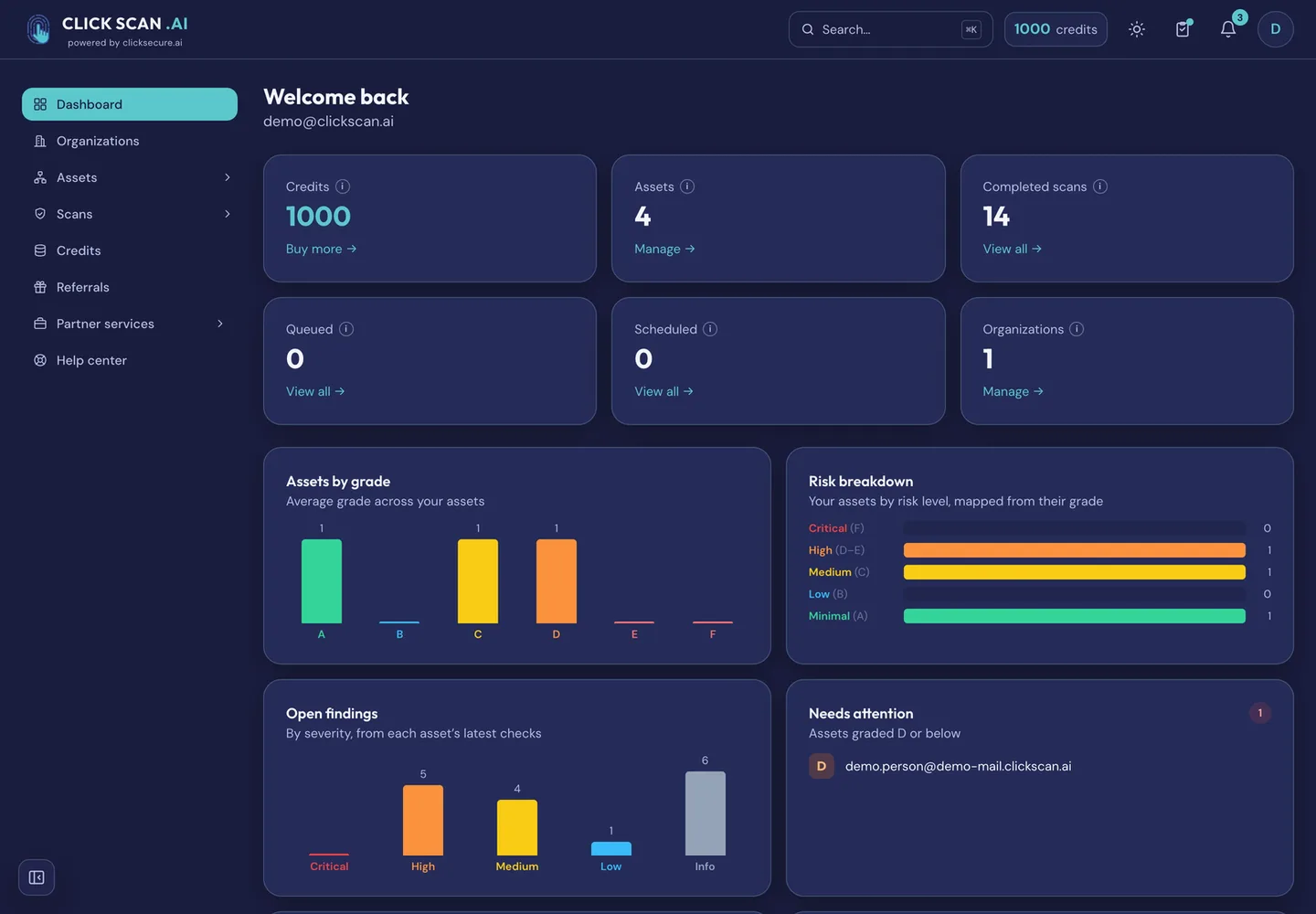
ClickScan is now open in beta, to everyone, with no invitation and no waiting list. It runs eleven external security checks and writes the result the way you would want to hand it over.
What it checks
SSL/TLS certificates and encryption, HTTP security headers, email authentication (SPF, DKIM, DMARC, MTA-STS, TLS-RPT and BIMI), a live spoofing test, email breach exposure, the Brand Impersonation Monitor and its deep sweep, a port scan and its full-range tier, and subdomain discovery and its deep sweep.
Every check is graded A+ to F, and the report names the finding that drove the grade, how severe it is, and whether we proved it ourselves or read it from a published record.
The port scan, the live spoofing test and the breach lookup need the asset proven yours first — by a DNS TXT record, a file at /.well-known/, a code emailed to an address at the domain, a callback from the IP, or reverse DNS. That is not a licensing tier; it is the line between reading what is published and touching a host.
What is built for partners
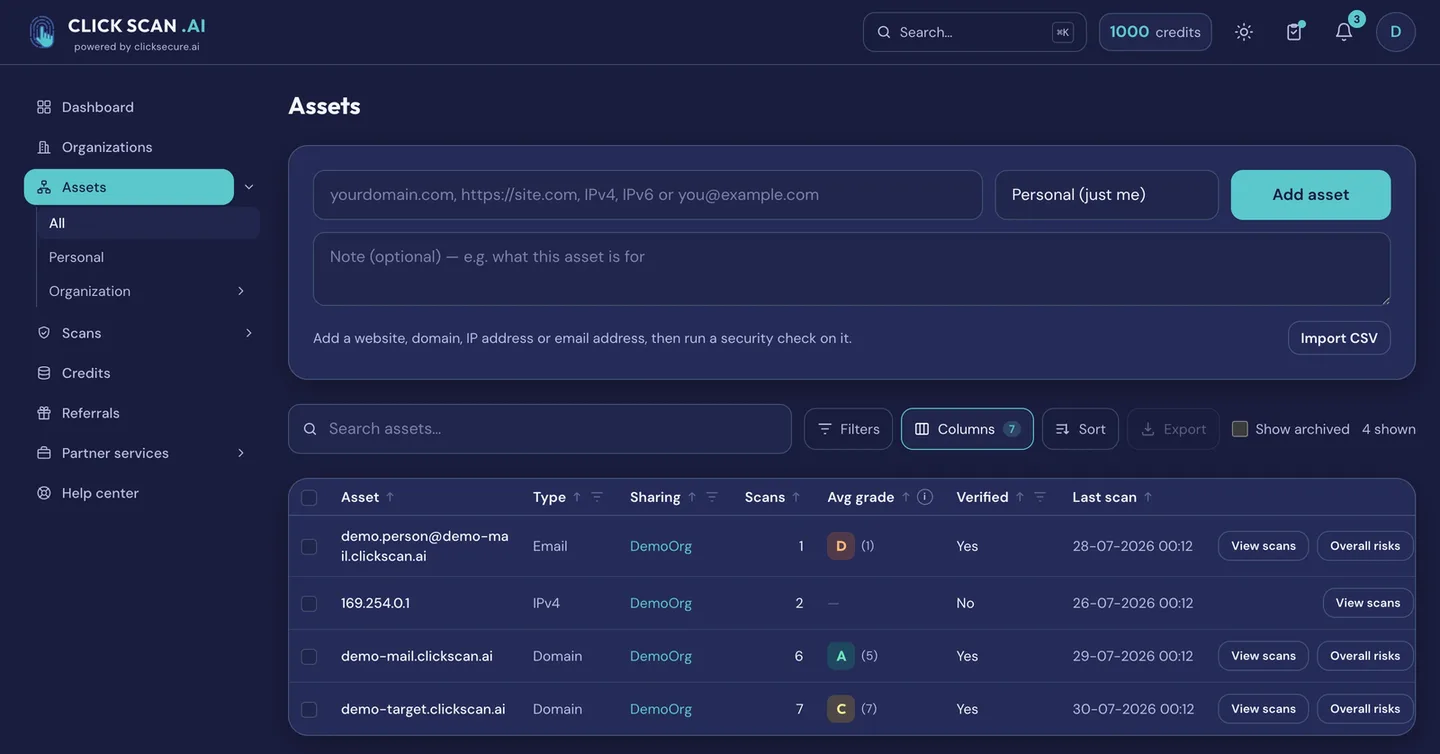
One organization per client. Assets, scans, reports, history and schedules are separated per client, with four roles — owner, admin, member, viewer. An asset can move between organizations without losing its history, and an owner can fund a named member's scans so a client's own analyst can work without a card of their own. There is no per-seat charge, so adding analysts costs nothing.
Your brand on the deliverable. Logo and colour on every downloadable report, set per client organization and reviewed before it goes live. What is branded is the PDF the client reads — the application, its domain and its notifications stay ClickScan, and we would rather say so plainly than let a partner discover it during a handover.
Scheduling and change detection. Scans run on demand, booked for a date and time in a chosen time zone, or repeated daily, weekly or monthly at a discount. Between two runs of the same check, ClickScan tells you what moved — and only notifies when something did.
Two rules about the grade
Anything a third party observed rather than ClickScan is shown in the report — it is what an attacker learns for free — but it is never allowed to move your grade, and it is counted separately from your own findings.
And every list ClickScan looks things up in carries a date. Any list we did not write ourselves records where it came from, when it was last refreshed and how far it is trusted — and that limit is applied where the grade is computed, not at display time, so an exported report carries it too. Where a list is too stale to rely on, the check says nothing instead of guessing.
Try it on one client
Every new account gets five starter credits. The certificate check, the security-headers check and the email-authentication check cost one credit each, so those three run on a client domain twice over before you have spent anything. Seven of the eleven checks need no ownership proof at all. Reports display in full on screen on a free account; downloading one as a PDF is a paying-account feature.
Pay-as-you-go credits. No subscription, no per-seat fee. Credits you buy never expire; free credits last twelve months and are spent first. A scan that fails is refunded, and a check with nothing to test is graded "not applicable" and refunded too. Sign-in is passwordless: a one-time code to your email address. No card to start.
A launch promotion is running on the credit packs right now: 20% off Growth, 10% off Pro and 20% off Scale. Partner discounts on top of that are negotiated on volume rather than published.
Start free at app.clickscan.ai. The detail for partners is at clickscan.ai/for-msps/, and the brochure, proposed partner terms, a sample branded report and a pricing calculator are sent on request.